

Halloween SVG Bundles & Crochet Patterns
THE HALLOWEEN EDIT · OCTOBER 2026
A little spooky.
So much to make.
Meet your next Halloween project. Explore SVG cut files, playful lettering and a little handmade magic.
Digital files · Download access after payment
PICK YOUR NEXT SPOOKY PROJECT
Made for spooky season.
Two ways to start: a classic cut-file set or a bigger Halloween collection.
THE SEASONAL COLLECTION
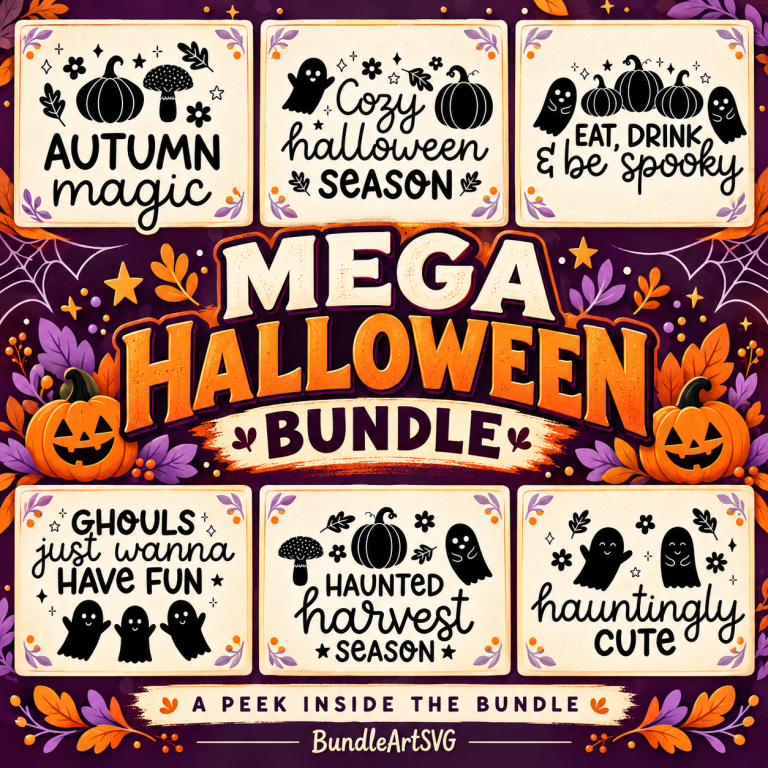
Mega Halloween Bundle
Halloween graphics and cozy lettering for your next creative project. Preview a few of the included designs.
THE CLASSIC CUT-FILE SET
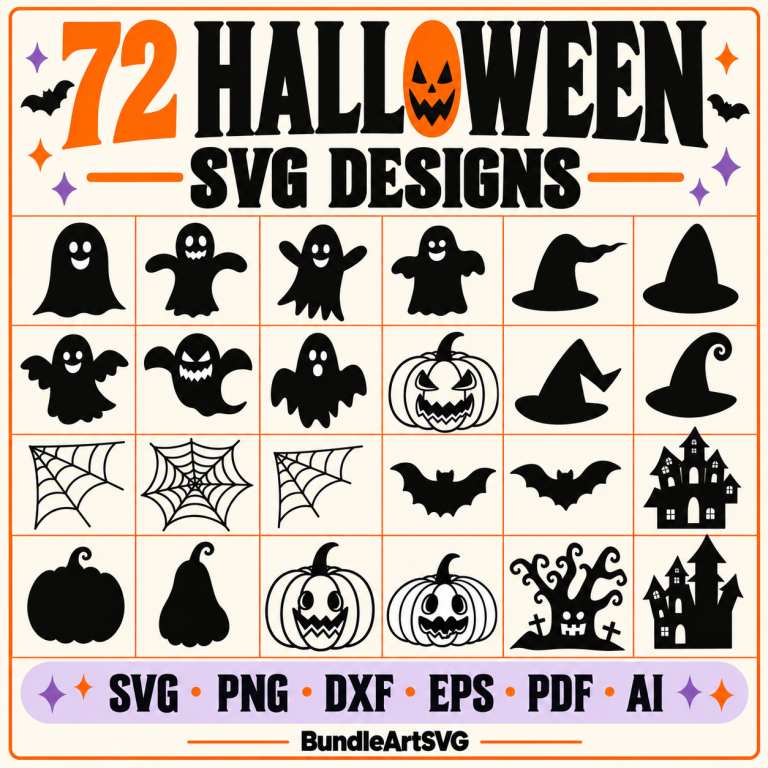
72 Halloween SVG Designs
Ghosts, pumpkins, bats, witch hats and haunted houses. A collection of 72 designs in SVG and other file formats.
Digital downloads only. Open the PDF access guide after payment to reach your files. No physical items are shipped.
A CLOSER LOOK BEFORE YOU BUY
See the actual designs.
These previews come directly from the downloadable files. Choose the set that fits your project, then check the formats below.
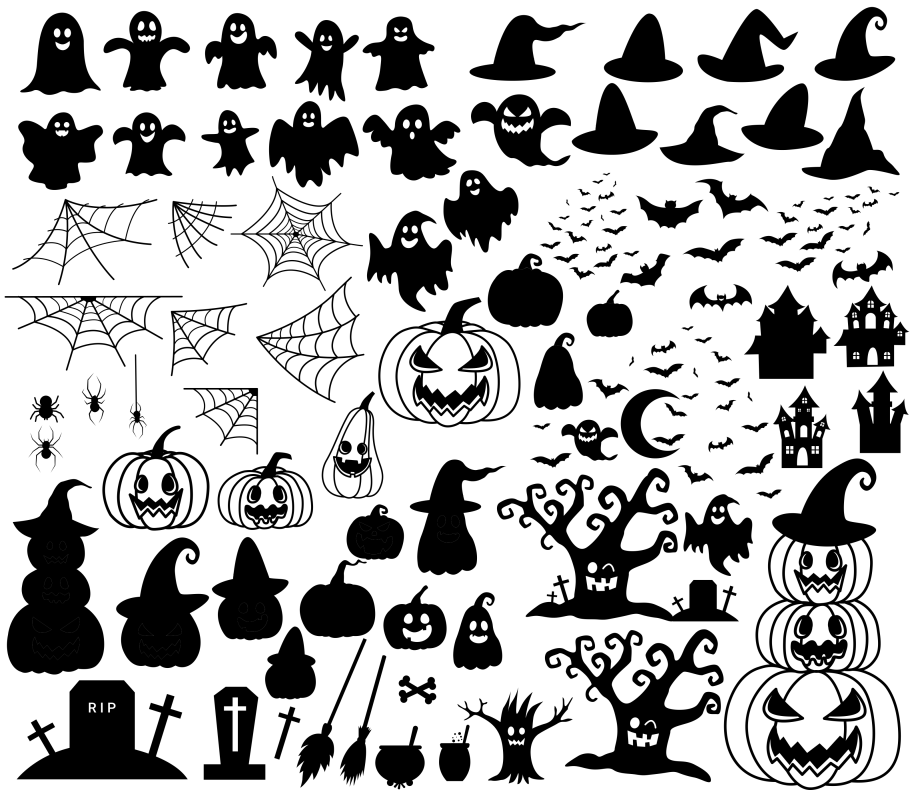
72 Halloween SVG Designs
- 72 individual SVG, PNG and DXF designs.
- PDF designs and a combined SVG contact sheet.
- One combined AI file and one combined EPS file.
Enlarge the actual design preview
Mega Halloween Bundle
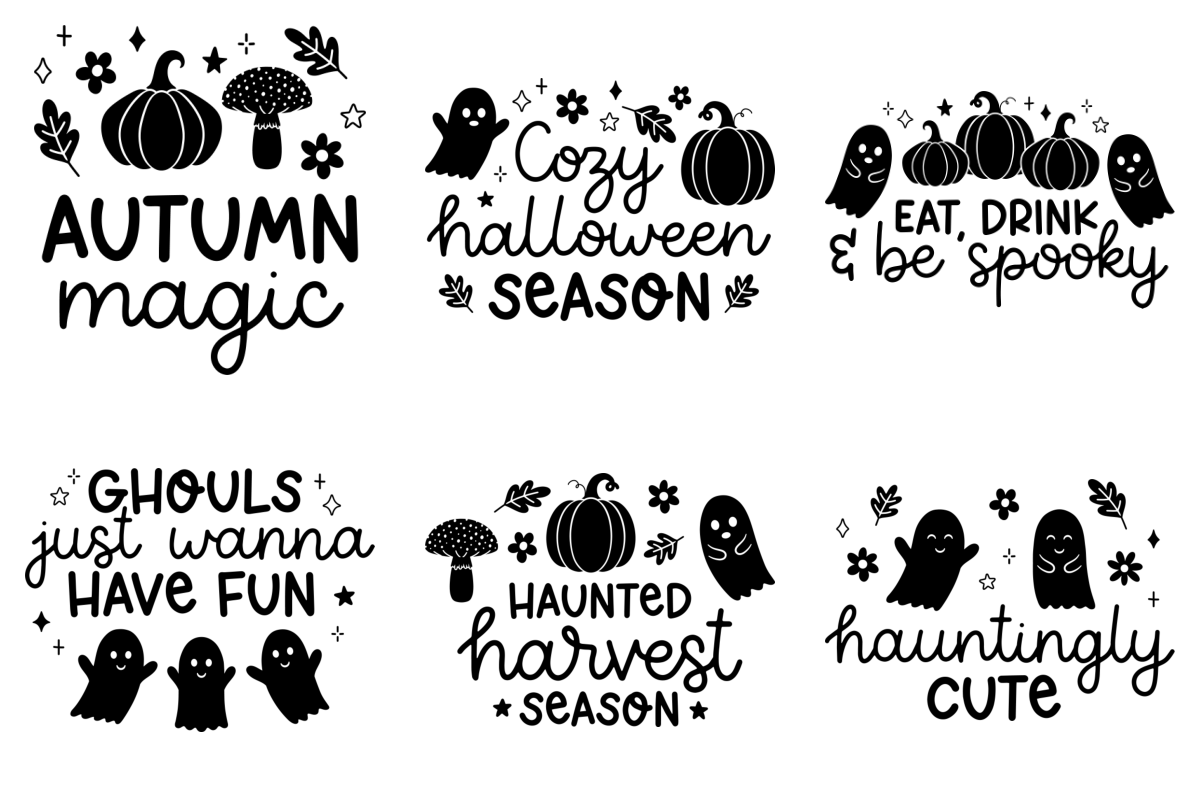
- Shown here: six samples from the included Cozy Halloween lettering collection.
- That collection includes 10 phrases, in lettering-only and doodle versions.
- SVG, PNG, EPS and DXF files in this lettering collection. Formats vary across the full bundle.
Enlarge the actual lettering preview
FOR THE YARN LOVERS
A handmade kind of Halloween.
Prefer a crochet project? Explore these PDF patterns. Yarn, supplies and finished toys are not included.
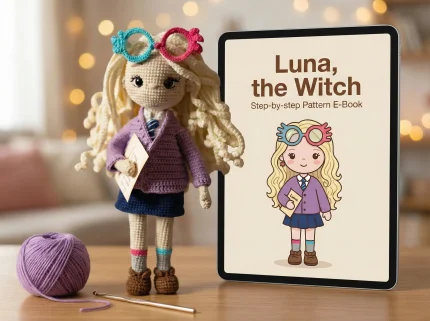
Luna the Witch
Digital crochet pattern. See the product page for project details.
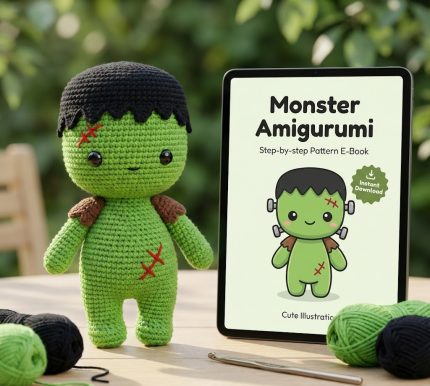
Monster Frankenstein
Digital crochet pattern. See the product page for project details.
FROM CHECKOUT TO YOUR CRAFT TABLE
Your files, in three steps.
- Download your access guideAfter payment is confirmed, open the download link on your order confirmation or order email. The two SVG bundles above are delivered through a PDF access guide.
- Open the link inside the PDFFollow the guide’s link to the file folder. Download the ZIP archive or archives to your device, then extract them to see the design files.
- Choose a file for your projectFor cutting, choose an SVG from the extracted folder. For printing, choose a suitable PNG. Crochet purchases contain pattern instructions or their own access guide.
Using Cricut Design Space? Choose Upload, select the extracted SVG file and follow the prompts to add it to your canvas. Upload the design file, not the PDF access guide or ZIP archive. See Cricut’s illustrated upload instructions.
Need a hand? If a link is missing, asks for access, or a file will not open, contact us with your order number, product name and the error you see.
A few things to know.
Am I buying a physical product?
No. These are digital craft files and crochet instructions. No mugs, shirts, finished toys, yarn or equipment will be shipped.
Why is my download a PDF?
The SVG bundles use a PDF access guide to link to their file folders. Open that guide first, then download the design archives from the link inside.
Which bundle should I choose?
Choose the 72-design set for classic Halloween shapes. Choose the Mega Bundle if you want a broader Halloween collection including the lettering shown above. They are separate purchases.
Can I buy just one pattern?
Yes. Luna the Witch and Monster Frankenstein are sold individually. Open the product page to check the details and current price.