

Blog
Top 10 Back-to-School SVG Cut Files for Cricut & Silhouette

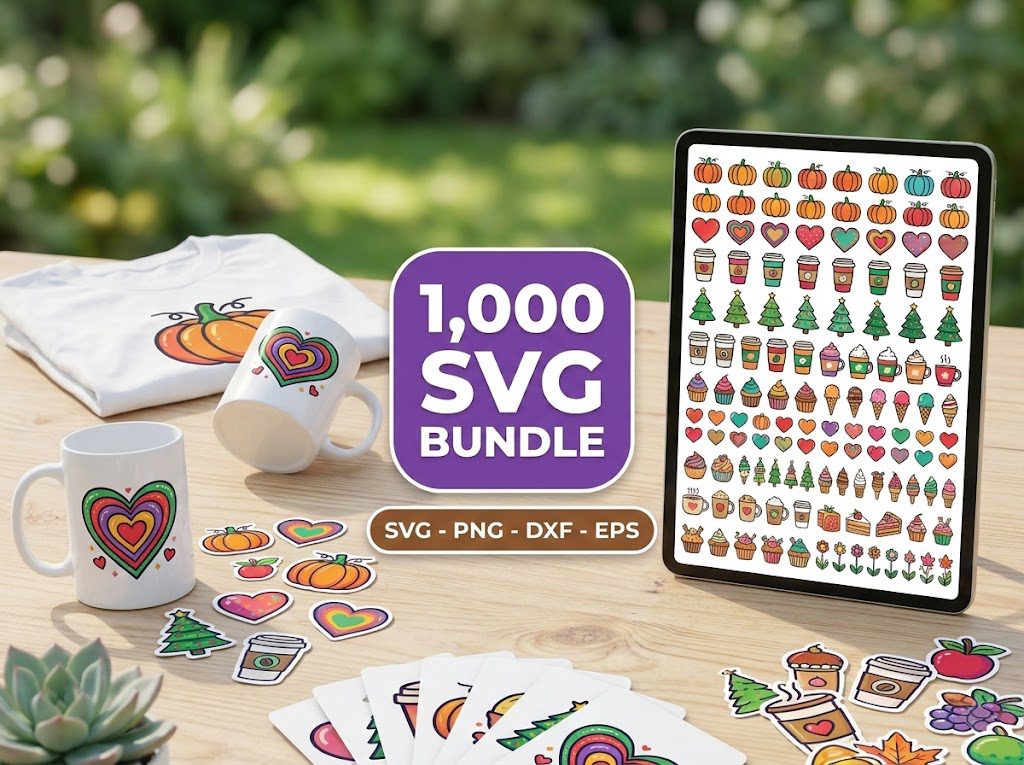
As the back-to-school season approaches, many of us feel the familiar mix of excitement and anxiety. I remember the days of scrambling to find the perfect designs for my kids’ school projects, wanting to make them special while also looking for efficient ways to prepare. That’s where back-to-school SVG cut files come in! They’re perfect for creating personalized items that your kids will love, and they can save you so much time. Let’s dive into the best options out there!
Free Back to School SVG Cut Files
Who doesn’t love free stuff? There are fantastic resources available for free back-to-school SVG cut files that you can use with your Cricut or Silhouette machines. These files can help you create everything from fun classroom decorations to unique lunch boxes.
- Check out our free SVG downloads for a variety of back-to-school designs.
- Look for designs that include popular school themes like apples, books, and pencils.
- Many of these designs are created by talented artists who want to share their creativity with you!
Back to School SVG Cut Files for Teachers
If you’re a teacher, these back-to-school SVG cut files can help make your classroom feel welcoming and organized. Here are some popular ideas:
- Classroom signs with inspirational quotes.
- Labels for organizing supplies and materials.
- Custom name tags for student desks.
Using SVG files allows for easy customization. You can adjust fonts, sizes, and colors to match your classroom theme, making it a fun project!
Download the Free SVG Files
Downloading your SVG files is a breeze! Simply visit the website, select your favorite designs, and add them to your cart. Most files come in SVG, DXF, and PNG formats, ensuring compatibility with both Cricut and Silhouette machines. Here’s how you can download and prepare these files:
Step 1: Select Your Files
Browse through the collection and pick the designs you love. Make sure to check if they have commercial use licenses if you plan to sell your creations.
- Look for ratings and reviews to choose high-quality files.
- Check for any specific instructions provided by the designer.
Step 2: Download Your Files
Once you’ve made your selections, proceed to checkout. After payment, your files will be available for instant download.
- Save them in a designated folder on your computer for easy access.
- Unzip the files if they come in a compressed format.
Step 3: Prepare Your Files
Open your design software and import the SVG files. Make sure to select the correct file type based on your machine’s compatibility.
- For Cricut, ensure the SVG format is selected to maintain quality.
- For Silhouette, you may need the DXF format for best results.
Step 4: Cut and Assemble
With your design ready, it’s time to cut! Load your materials and follow the cutting machine’s instructions.
- Use high-quality vinyl or cardstock for the best finish.
- Consider using transfer tape for intricate designs to avoid tearing.
How to Use These Cut Files
Using back-to-school SVG cut files is simple and fun. Here are a few tips:
- Make sure your cutting mat is clean and sticky for best results.
- Adjust the blade settings based on the material you are using (e.g., vinyl, cardstock).
- Always test cut on a scrap piece of material first to avoid mistakes.
Materials Needed
To get started with your back-to-school projects, you’ll need a few essential materials:
- Cricut or Silhouette cutting machine
- Cutting mats (standard grip, fabric grip, etc.)
- Craft vinyl in various colors
- Transfer tape for easy application
- Weeding tools to remove excess material
- Cardstock or other materials for different projects
Project Ideas with Back to School SVGs
Ready to get crafting? Here are some fun project ideas using back-to-school SVG cut files:
- Tote Bags: Create personalized tote bags for school supplies.
- Pencil Pouches: Make cute, custom pouches for students to store their writing tools.
- Classroom Decor: Design motivational posters or banners to hang in your classroom.
Teacher Appreciation Gift Ideas
Back-to-school season is also a great time to show appreciation for teachers. Consider these ideas:
- Customized mugs with funny or inspirational phrases.
- Personalized notebooks that they can use throughout the year.
- Gift baskets filled with classroom supplies and treats.
More Free School SVG Files
Don’t forget to explore more free school SVG files available online. Many websites offer seasonal designs that can help you refresh your projects throughout the year. Always check for new designs, as they are added frequently!
🎁 Get FREE Designs Today!
Perfect for testing with your Cricut or Silhouette machine before committing to a paid bundle.
500,000+ Ultimate SVG Mega Bundle
Only $29.99
4.96/5 stars from 26 reviews — the most complete SVG library for Cricut crafters. Just $0.000059 per file.
4000+ Magical Mega SVG Bundle
Only $7.99
5.00/5 stars — 4,000+ designs for just $0.002 per file.
Frequently Asked Questions
What are back-to-school SVG cut files?
Back-to-school SVG cut files are digital designs specifically created for crafting projects related to school themes, such as classroom decorations, personalized supplies, and gifts for teachers.
Can I use these files for commercial purposes?
Many back-to-school SVG cut files come with a commercial use license, but it’s essential to check the licensing terms before using them for selling products.
How do I download the SVG files?
After selecting your desired designs, simply proceed to checkout. Once payment is completed, the files will be available for instant download.
What materials do I need to use these SVG files?
To use back-to-school SVG cut files, you will need a Cricut or Silhouette cutting machine, cutting mats, craft vinyl or cardstock, and transfer tape.
Can I customize the SVG designs?
Yes! SVG files are fully customizable. You can adjust the colors, sizes, and text to fit your specific needs.